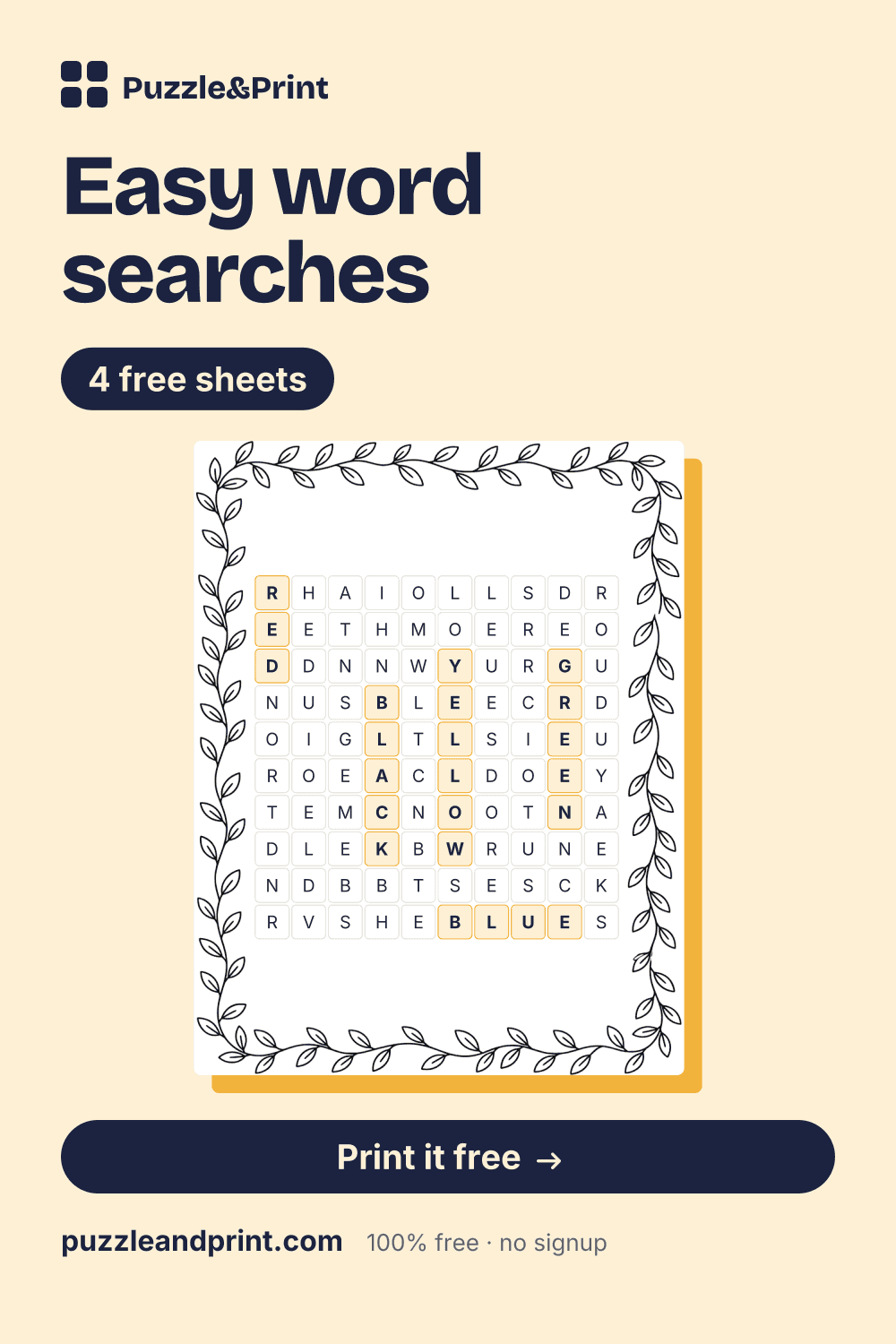
Colors and numbers Word Search
- THIRTY
- AMBER
- BLUE
- HUNDRED
- SEVEN
- FIFTEEN
- SIX
- NINE
- FOURTEEN
Created for free at puzzleandprint.com
Words run only across and down on three of the four sheets, and nothing on any sheet reads upwards.
Last updated
Save this to PinterestColors and numbers Word Search
Created for free at puzzleandprint.com
Colors and numbers Word Search, Answer Key
Created for free at puzzleandprint.com
Four sheets, each with a different job. Every one is a two-page PDF, the puzzle, then the answer key on its own page.
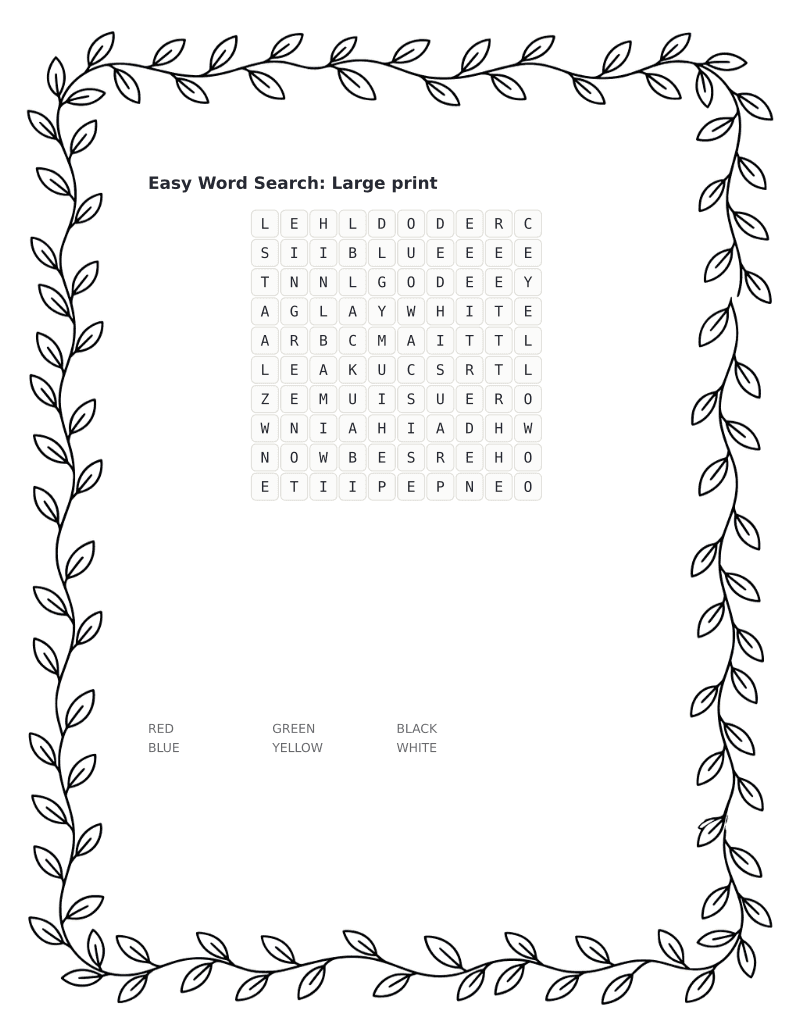 Easy word search, large print10 × 10 · 6 words · Easy, across and down onlyDownload PDF ↓
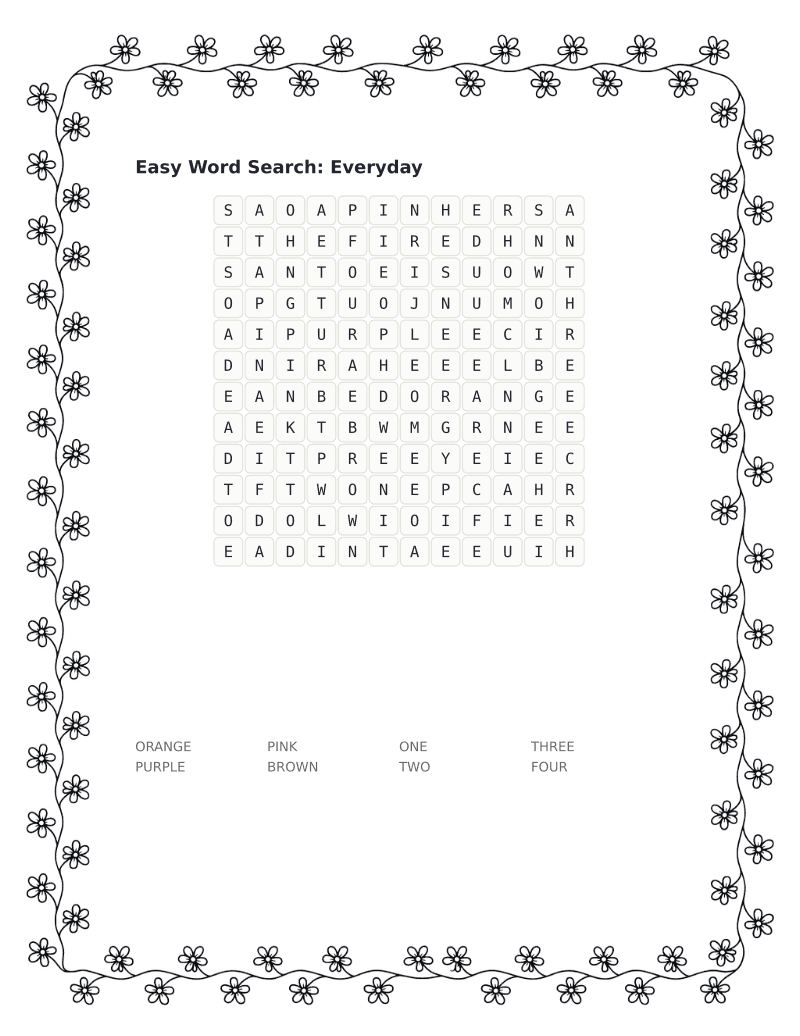 Easy word search, everyday12 × 12 · 8 words · Easy, across and down onlyDownload PDF ↓
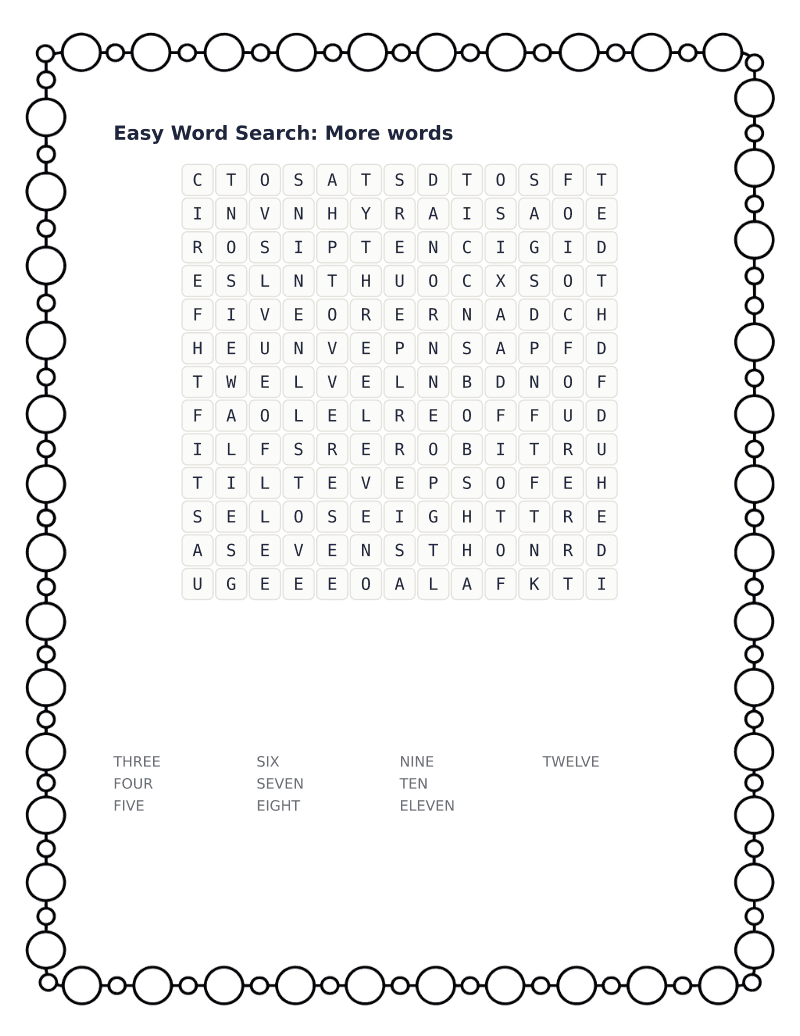 Easy word search, more words13 × 13 · 10 words · Easy, across and down onlyDownload PDF ↓
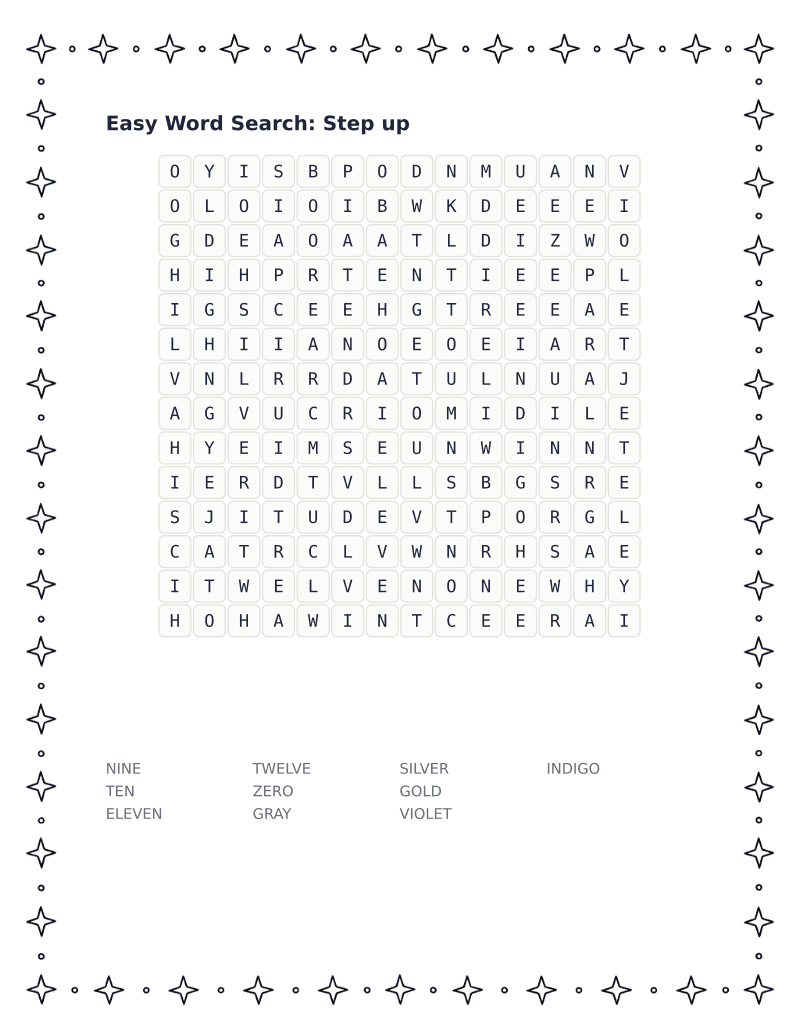 Easy word search, step up14 × 14 · 10 words · Medium, adds diagonalsDownload PDF ↓
Every sheet here is free to print as often as you like. If one saved you time, the tip jar is on Ko-fi.
What makes a word search easy is not the words, it is the directions. Once words can run diagonally or backwards, the number of lines a solver has to check goes from two to eight, and the puzzle stops being a reading exercise and starts being a scanning one. The first three sheets on this page keep every word running left to right or top to bottom, which is how we read anyway. The Step up sheet adds diagonals, for when straight lines have stopped being a challenge.
That makes these useful well beyond young children. They work for anyone returning to puzzles after a break, for English language learners who are still building confidence with unfamiliar words, and in care settings where a puzzle should be gentle rather than a test. The satisfaction of finishing is the point.
Grids here run from ten to fourteen squares with six to ten words apiece, and no word on any of the four sheets is longer than six letters. If you want to nudge the difficulty up without making the grid harder to read, add words rather than directions: twelve words in a fourteen by fourteen grid takes longer than eight but never feels unfair.
The maker on this page does the same thing with your own list. Choose Easy under difficulty and it will keep every word running the friendly way.
The easy word search uses color and number words because they are among the first words anyone learns in English, so the puzzle tests finding rather than reading. Between them the four sheets hold every whole number from ZERO to TWELVE and fifteen colors, and no color is used on more than one sheet. The large-print sheet is six colors, from RED to WHITE. Everyday mixes ORANGE, PURPLE, PINK and BROWN with ONE, TWO, THREE and FOUR. More words is numbers only, the ten from THREE to TWELVE, and Step up finishes with NINE to TWELVE, ZERO and five harder colors: GRAY, SILVER, GOLD, VIOLET and INDIGO. Every word on every sheet can be checked by someone who can count or name a crayon.
Familiar does not mean regular, and the number words hold most of the spelling surprises. ONE begins with a w sound and has no W in it; TWO has a W that nobody says; EIGHT spells its vowel with four letters, EIGH, before the T arrives. ELEVEN and TWELVE are the two that follow no pattern a learner could work out from the other numbers. On the color side, GRAY is spelled with an A, the American way, though a child who reads British books may have seen grey. When a learner is stuck on a number, saying it aloud and hunting for its first letter usually works, except for ONE and EIGHT, where the sound points to the wrong letter, which is worth knowing before they ask.
The step up sheet is the one easy sheet that adds diagonal words, and going from two directions to four is the biggest change on this page. Four of its ten words run diagonally: ZERO slopes down to the left, and NINE, GRAY and GOLD slope down to the right. Nothing runs backwards or upwards, because diagonals at this setting always read downwards. The other six words keep to across and down, and NINE, TEN, ELEVEN and TWELVE were already found on More words, so the new directions arrive with words the solver has met before. The grid also grows by one square each way, to fourteen.
For anyone who wants the easy experience to stay easy, the first three sheets are the ones to print. Large print, Everyday and More words keep every word running across or down, from a ten-square grid with six words to a thirteen-square grid with ten. Twelve words on the list never reach any of the four sheets: TEAL, CREAM, MAROON and AMBER, the teens THIRTEEN, FOURTEEN and FIFTEEN, the tens from TWENTY to FIFTY, and HUNDRED. Typing some of those into the maker with Easy chosen under difficulty gives a fifth sheet in the same style. FORTY is a good one to include for an older learner, since it drops the U that FOUR and FOURTEEN keep.
The directions: on Large print, Everyday and More words every word runs left to right or top to bottom, the same way a line of print is read. Step up is the one sheet set to Medium, which adds the two diagonals that slope downward, so it has four directions to check where the Hard setting in the maker has eight.
No, adults coming back to puzzles and people learning English are as much the audience as children, and the sheets reward working through them in order. THREE and FOUR carry over from Everyday to More words, and NINE, TEN, ELEVEN and TWELVE from More words to Step up, so each of the last two sheets includes words the solver has already found once.
Yes, though not on one sheet. RED, YELLOW, GREEN and BLUE are on the large-print sheet, ORANGE is on Everyday, and INDIGO and VIOLET only appear on Step up, so finding the whole rainbow takes three of the four sheets.
New printables when they go up, mostly seasonal, a few times a year.