Water cycle words
Page 1 of 1. Fold down the dashed line, printed side out, then cut along the solid lines.
Created for free at puzzleandprint.com
Make flash cards from your own list, or print times tables, addition facts and Dolch sight words. Fold-over sheets need no double-sided printer.
Last updated
Water cycle words
Page 1 of 1. Fold down the dashed line, printed side out, then cut along the solid lines.
Created for free at puzzleandprint.com
Each set is one PDF of several pages, with the answer or the word on the back of every card.
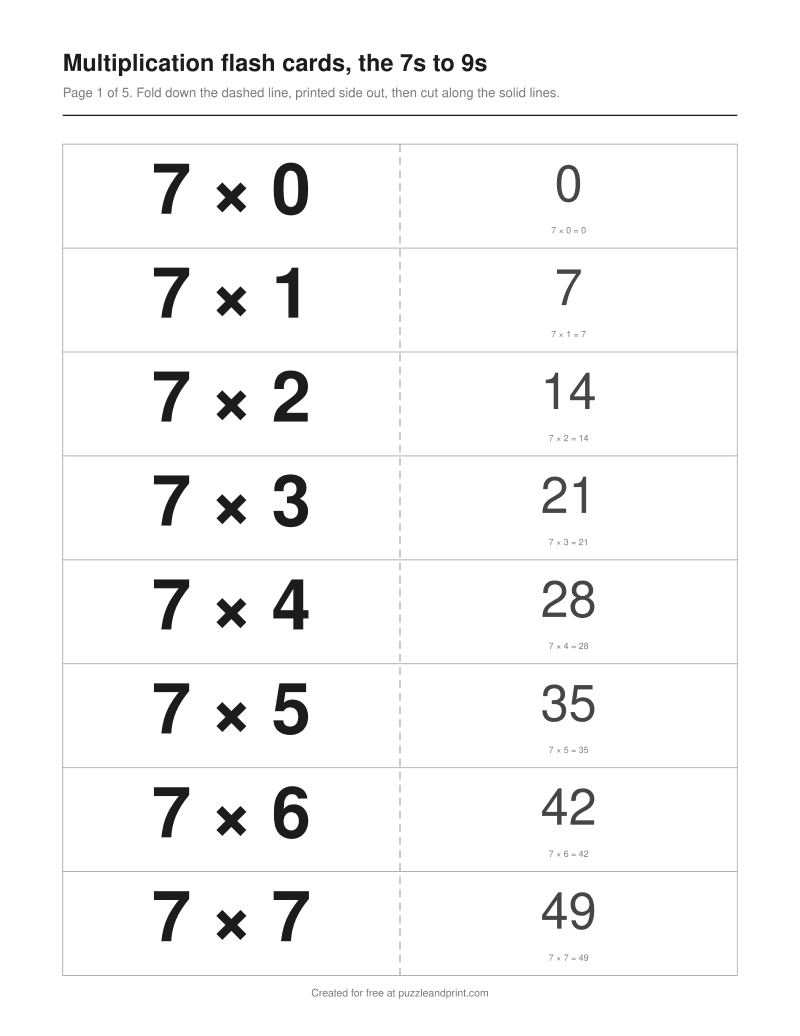 Multiplication flash cards, the 7s to 9s39 cards · fold-over, 8 a page · 5 pagesDownload PDF ↓
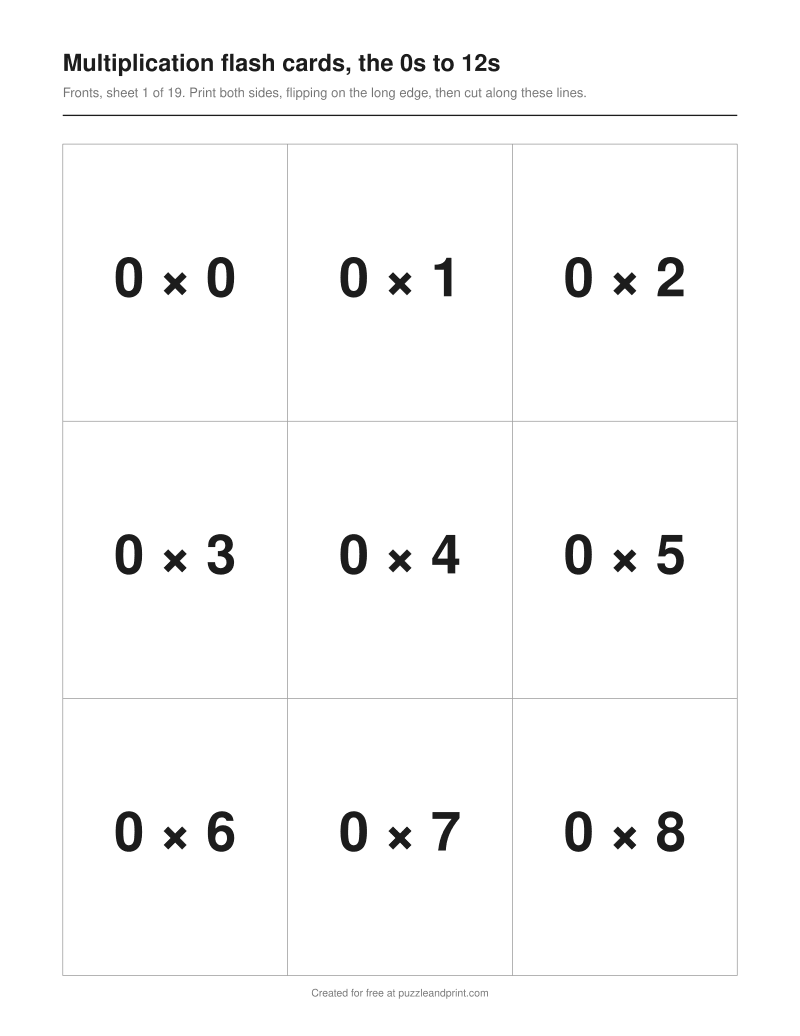 Multiplication flash cards, the 0s to 12s169 cards · double-sided, 9 a page · 19 sheets, both sidesDownload PDF ↓
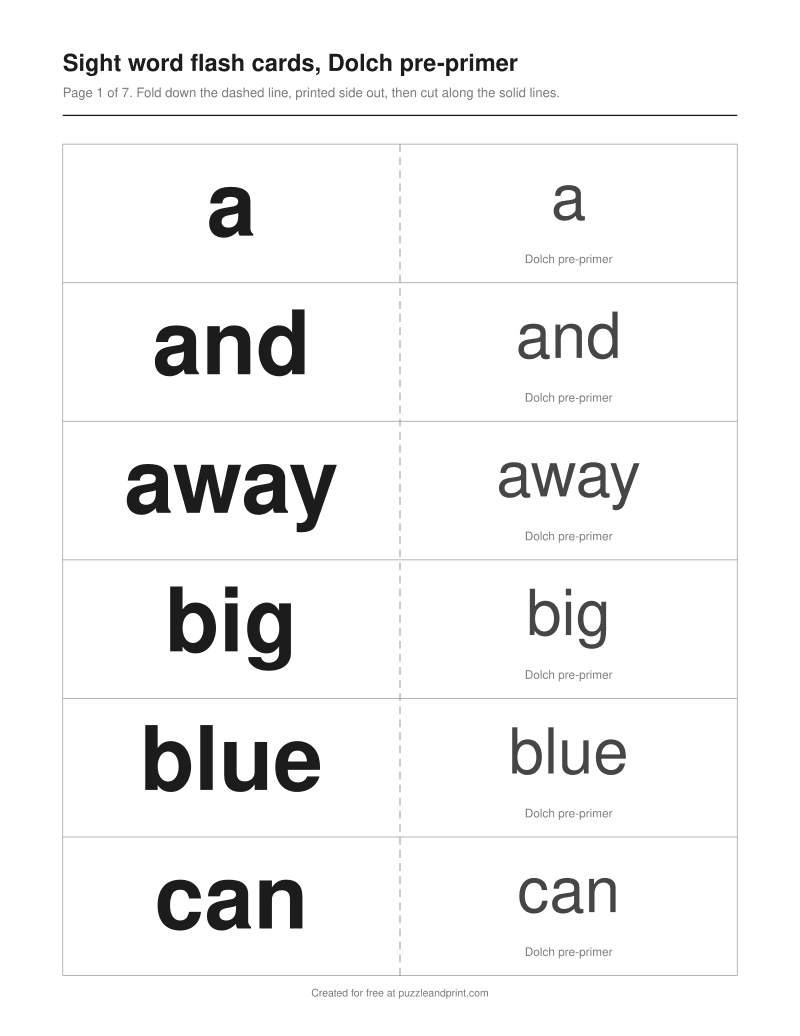 Sight word flash cards, Dolch pre-primer40 cards · fold-over, 6 a page · 7 pagesDownload PDF ↓
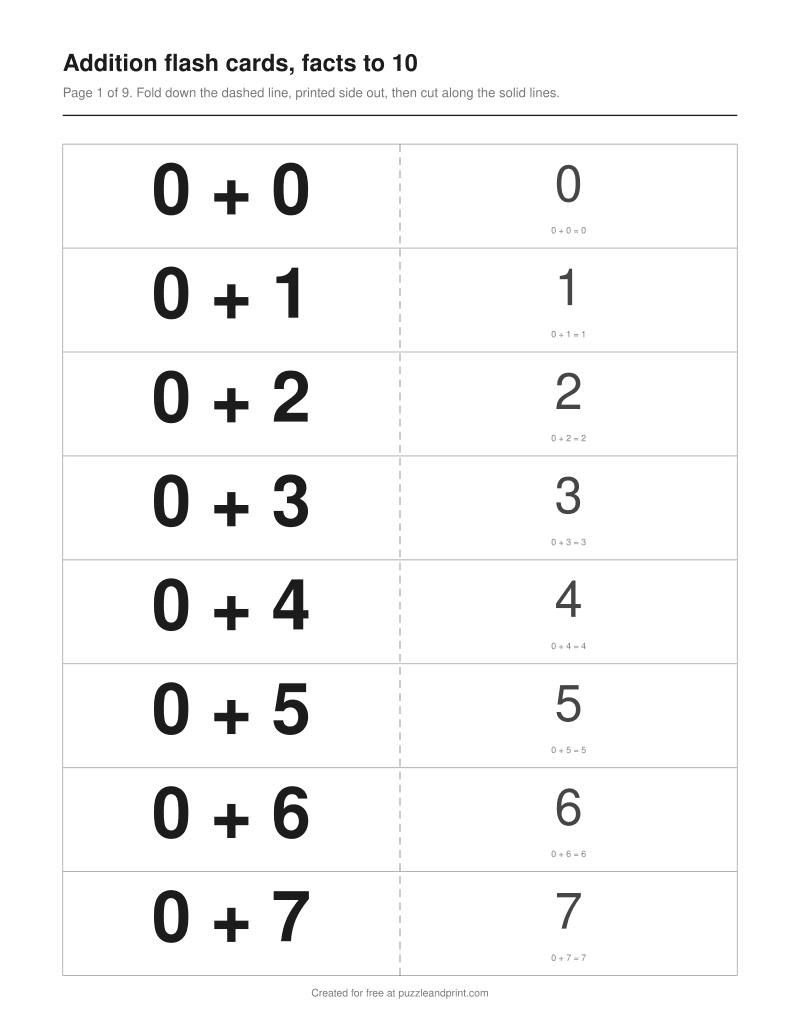 Addition flash cards, facts to 1066 cards · fold-over, 8 a page · 9 pagesDownload PDF ↓
Every sheet here is free to print as often as you like. If one saved you time, the tip jar is on Ko-fi.
Each card's front sits on the left half of the page and its back on the right half, in the same row, with a dashed line down the middle. Fold the sheet along that line with the printed sides facing out, so every back is behind its own front, then cut along the solid lines through both layers. Each cut makes a finished two-sided card, and the printer never has to print on both sides of the paper.
A strip of glue stick between the halves before cutting keeps the cards from springing open, though they work without it. A folded card is two sheets thick, so it is stiffer in the hand than one sheet. Every card runs the full width of a half page, about 3.6 inches, and the number of cards on a page decides only how tall each one is.
If your printer prints on both sides, Double-sided fits twice as many cards of the same size on a sheet of paper: a page of fronts, then a page of backs on the other side. The backs are not in reading order. Turning a sheet over along its long edge swaps left and right, so the back of the top left card is printed at the top right, and every row is reversed the same way. Printed in reading order, every card would come out with its neighbor's answer.
That only holds when the printer flips on the long edge, a setting print dialogs often call long-edge binding or flip on long edge. Set it before printing a set and run one sheet first. The pages of backs carry no cut lines, because the two sides of a sheet rarely line up to the millimeter and a second set of lines would show as stray marks inside the cards, so cut from the front.
Type one card a line, front then back, with an equals sign, a spaced dash or a colon between them: "perro = dog", "7 x 8 = 56" or "condense: to change from a gas into a liquid". Two columns copied from a spreadsheet paste straight in, with the column break as the separator, and so does a set of cards exported as tab-separated text. A line with nothing to split on makes a card with a blank back.
A front can run to 60 characters and a back to 100, which is room for a one-line definition, and a set holds up to 200 cards. A longer line is left out with a note saying which one, and a card typed twice prints once. Curly quotes, long dashes and minus signs from a word processor print as plain quotes and hyphens, so a spaced long dash splits a line just as a typed one does. Letters the PDF font does not have, such as Greek, still show on screen and print with Print this sheet, and the maker says so before you download.
Every times table from 0 to 12 is built in, 169 facts, along with four sets of addition facts and the five Dolch sight word levels plus the 95 Dolch nouns. On the math cards a small line under the answer repeats the whole fact, so whoever holds a card up, facing a child, can read 7 × 8 = 56 on their side. A sight word card carries the word on both sides, with its Dolch level named under it on the back.
The answers are set smaller than the questions and in gray, and the cut lines are light, because the question is the side that has to be read from across a table and the rest is ink nobody needs. Each set has a page of its own below, with ready-made PDFs to print as they are.
On a fold-over page every card is about 3.6 inches wide, and the count sets the height: about 4.4 inches at two a page, 2.2 at four, 1.5 at six, 1.1 at eight and 1.0 at nine. Double-sided and fronts-only pages use the whole width of the paper, so the same counts give larger cards, 7.2 by 4.4 inches at two a page, 3.6 by 2.9 at six and 2.4 by 2.9 at nine.
Every front in a set is printed the same size, as large as the longest one allows on one line, so a page of sight words does not jump from huge to small. A front or a definition too long for that size wraps onto more lines on its own card rather than shrinking every other card to match.
Choose Blank cards under Set for one page of empty cards with the same cut and fold lines, to fill in by hand. On the fold-over layout, write the question on the left and the answer beside it on the right, then fold and cut as usual. For more than one page, print copies from your printer's dialog; every copy is the same page.
Blank cards are also the way to make picture cards, since the maker prints words and numbers only: draw or glue the picture on the front and write its name on the back.
The cards are made in your browser. Nothing typed into the maker is uploaded or put into the page address, so a class list, a unit of vocabulary or a language list is never sent anywhere. The list is gone when you close the tab, unless you check Remember my lists on this device and save it, which keeps it in your own browser until you press Forget everything. Apart from a list you keep that way, the PDF you download is the only copy, and it is on your own device.
Each page has its ready-made sets to print, plus the maker above opened on that set.
No. The maker opens on the fold-over layout, which puts each card's back beside its front on the same side of the paper. Fold the page down the dashed line and cut across. Double-sided is there for printers that can, and fits twice as many cards of the same size on a sheet.
Usually because the printer flipped the sheet on its short edge. Double-sided sets are laid out for a flip on the long edge, so set long-edge binding in the print dialog and print one sheet to check. If your printer will not do that, use Fold-over, which needs no flip at all.
Yes. Copy two columns, fronts in the first and backs in the second, and paste them into Write my own. Each row becomes one card. A third column is added to the back rather than dropped, so check the preview if your sheet has one.
About 3.6 inches wide on a fold-over page, from 4.4 inches tall at two a page down to 1 inch at nine. Double-sided and fronts-only pages use the full width, so six a page gives cards about 3.6 by 2.9 inches and nine a page about 2.4 by 2.9.
Not from the maker, which prints words, numbers and math facts. For picture cards, print a page of Blank cards and draw or glue the pictures on, with the word written on the back.
No. There is no account, no email and no watermark, and you can make as many sets as you like, up to 200 cards in each. Everything is made on your own device.
New printables when they go up, mostly seasonal, a few times a year.